
Have you ever wondered why your computer seems to lag when using traditional hard drives? The answer lies in the technology that powers your storage solutions. Understanding why does an SSD improve computer speed is essential for anyone looking to enhance their computing experience. Solid State Drives (SSDs) have revolutionized the way we store and access data, offering significant advantages over their mechanical counterparts. In this article, we will explore the reasons behind the impressive speed increase that SSDs provide, from faster data access times to reduced boot and load times. You’ll learn how upgrading to an SSD can transform your device’s performance, making tasks smoother and more efficient.
Understanding SSDs and Their Functionality
Solid State Drives (SSDs) utilize flash memory to store data, which significantly enhances read and write speeds compared to traditional Hard Disk Drives (HDDs). Unlike HDDs, which rely on spinning platters and mechanical read/write heads, SSDs have no moving parts. This fundamental difference allows SSDs to access data almost instantaneously, leading to faster boot times, quicker file transfers, and overall improved system performance. The architecture of SSDs enables them to handle multiple operations simultaneously, a capability that traditional HDDs struggle with due to their mechanical nature.
Flash Memory Technology
SSDs use NAND flash memory, which retains data without a power source. This technology allows for rapid access speeds, often resulting in boot times measured in seconds instead of minutes. The lack of moving parts not only increases speed but also enhances durability, making SSDs a reliable choice for data storage.
Comparative Speed Analysis
When comparing SSDs and HDDs, the difference in speed is striking. SSDs can achieve read/write speeds of over 500 MB/s, while typical HDDs range from 80 to 160 MB/s. This dramatic increase in speed allows for smoother multitasking and faster application launches, greatly enhancing user experience.
Key Points:
- SSDs use flash memory for faster data access
- No moving parts lead to improved durability and speed
Impact of SSDs on Overall System Performance
The integration of an SSD into a computer system can significantly enhance performance metrics across various applications. Tasks such as booting the operating system, launching applications, and transferring files are all expedited with SSD technology. This improvement is particularly noticeable in resource-intensive applications, where traditional HDDs may bottleneck performance. Additionally, the faster data access speeds of SSDs facilitate improved system responsiveness, resulting in a smoother user experience and less frustration during multitasking.
Boot Time Reduction
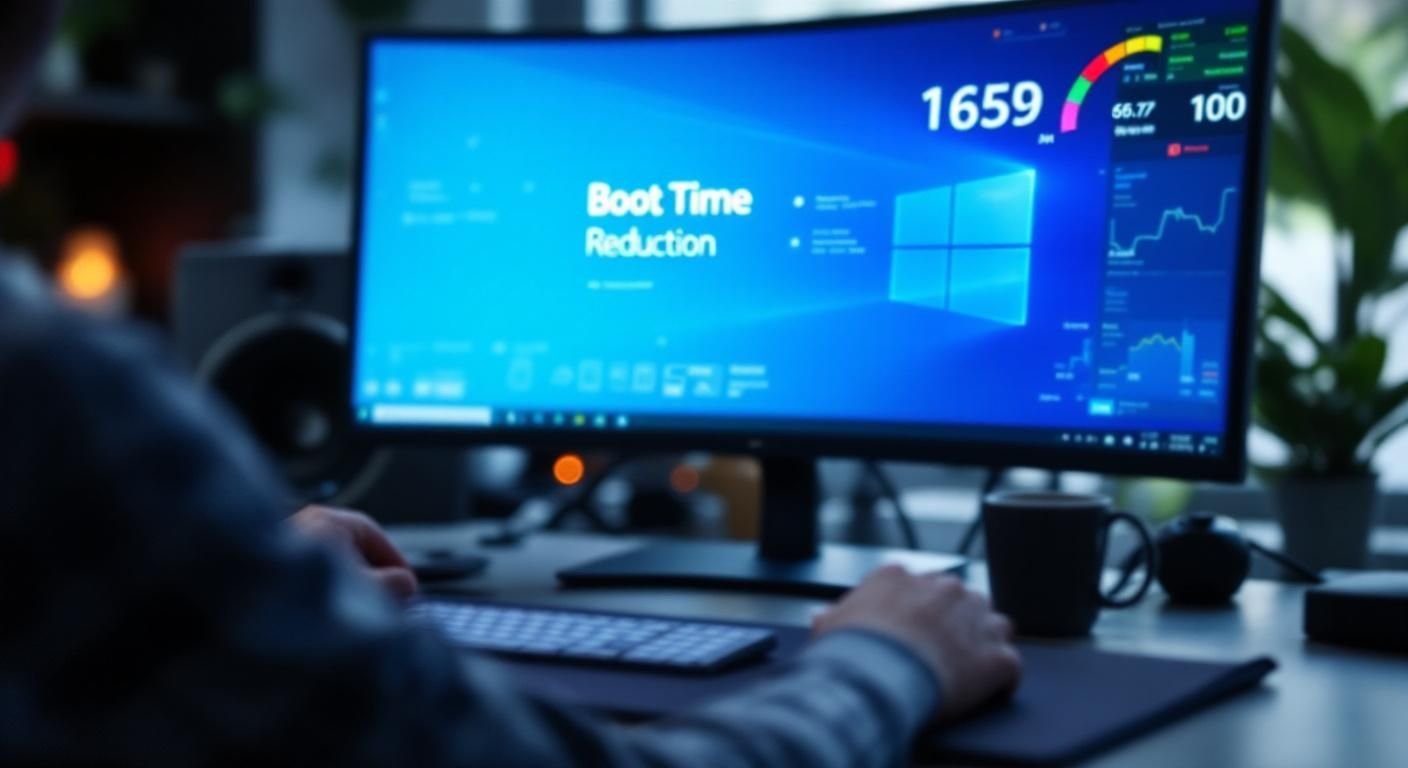
One of the most immediate benefits of installing an SSD is the reduction in boot times. An SSD can cut boot times down to 10-30 seconds, compared to 1-2 minutes for an HDD. This rapid startup allows users to access their systems and begin working almost immediately, enhancing productivity.
Enhanced Application Load Times
Applications stored on SSDs load significantly faster than those on HDDs. For instance, programs that require large data sets or complex computations can start and run more efficiently. This enhancement is vital for gamers and professionals using graphics-intensive software, where every second counts.
Multitasking Efficiency
SSDs improve multitasking capabilities by allowing multiple applications to run without lag. The increased IOPS (Input/Output Operations Per Second) of SSDs means that tasks can be executed concurrently without noticeable slowdowns, making them ideal for users who regularly juggle multiple applications.
Key Points:
- SSDs reduce boot and application load times
- Improved multitasking efficiency enhances user experience
Understanding SSD Technology
Solid State Drives (SSDs) utilize NAND flash memory to store data, which allows for significantly faster read and write speeds compared to traditional Hard Disk Drives (HDDs). Unlike HDDs, which rely on spinning disks and mechanical arms, SSDs have no moving parts. This absence of mechanical components leads to quicker access times, reduced latency, and improved durability. When a computer accesses files, the speed at which data can be retrieved directly influences overall system performance, making SSDs a superior option for enhancing computer speed.
Speed Comparison: SSDs vs. HDDs
SSDs can read data at speeds of 500 MB/s or higher, while HDDs typically range from 80 to 160 MB/s. This dramatic difference means that tasks such as booting the operating system, launching applications, and transferring files occur much more swiftly. The rapid data access times of SSDs eliminate bottlenecks that often slow down computers, resulting in a more responsive user experience.
Durability and Reliability
SSDs are more resilient to physical shock and temperature fluctuations due to their lack of moving parts. This durability not only extends the lifespan of the drive but also reduces the risk of data loss. As a result, using an SSD can improve the overall reliability of a computer system, making it an ideal choice for both personal and professional use.
💡 Consider upgrading to an SSD for faster boot times.
💡 Use SSDs for applications that require rapid data access.
💡 Ensure proper cooling to maximize SSD lifespan.
Performance Boost in Real-World Applications
The real-world impact of upgrading to an SSD can be observed in various computing tasks. For instance, tasks like video editing, gaming, and software development benefit immensely from the speed of SSDs. These applications often require quick read/write operations, and SSDs significantly reduce loading times, allowing users to focus on their work rather than waiting for files to load. Additionally, system updates and application installations become quicker, improving overall productivity.
Gaming Performance
In gaming, SSDs drastically reduce load times, leading to a smoother experience when entering levels or transitioning between game environments. This speed advantage can provide gamers with a competitive edge, as quicker loading times mean less downtime and more time immersed in gameplay. Furthermore, SSDs can improve texture loading, enhancing visual quality and performance.
Productivity in Professional Software
For professionals using resource-intensive software such as CAD or video editing programs, SSDs enable faster file access and smoother operation. When working on large files, the reduced lag from an SSD allows users to edit and render more efficiently. This speed can significantly impact project timelines and overall productivity, making SSDs a wise investment for professionals.
💡 Utilize SSDs for applications that handle large files.
💡 Consider a dual-drive setup with SSD for OS and HDD for storage.
💡 Regularly update your SSD firmware for optimal performance.
EXPERT TIPS Pro Advice
Optimize your system for SSDs
Adjust settings in your operating system to take full advantage of SSD speeds, such as enabling TRIM to maintain performance over time.
Backup important data regularly
Even though SSDs are reliable, data loss can still occur. Regular backups ensure your data is safe and can be restored if needed.
Monitor SSD health
Use diagnostic tools to monitor the health of your SSD regularly. This helps catch potential issues early and maintain performance.
Consider the right SSD form factor
Select an SSD that fits your system’s specifications, whether SATA or NVMe, to ensure compatibility and optimal performance.
Keep sufficient free space on the drive
Maintaining at least 15-20% free space on your SSD helps prevent slowdowns and maintains performance as the drive fills up.
Frequently Asked Questions
Conclusion
Upgrading to an SSD can significantly enhance your computer’s performance by providing faster data access and transfer speeds. The lack of moving parts in SSDs leads to improved durability and responsiveness, making them a smart choice for modern computing needs.
🎯 Key Takeaways:
- SSDs are much faster than traditional HDDs.
- They can enhance overall system responsiveness.
- Replacing an HDD with an SSD is beneficial.
- SSDs have no moving parts, extending lifespan.
- Prices for SSDs are decreasing over time.
Expert Advice: Consider making the switch to an SSD to maximize your computer’s potential. The performance benefits can greatly improve your daily computing tasks and overall efficiency.
Research further to find out how an SSD upgrade can transform your computing experience.








Leave a Reply