
Have you ever noticed your phone draining faster when the vibration feature is on? Many users wonder, does vibration use more battery on a phone? The truth is, while vibration can impact battery life, the extent varies based on several factors. As a seasoned expert in mobile technology and battery management, I will guide you through the mechanics behind vibration technology and its influence on your phone’s battery. In this article, you’ll learn about how vibration modes work, compare battery consumption with other features, and discover tips to manage your phone’s power efficiently. By understanding how vibration affects your device, you can make informed choices to extend your battery life.
Understanding Phone Vibration Mechanics
Vibration in smartphones is generated using a small motor that creates oscillations, which ultimately produces the tactile feedback we feel. This motor, often referred to as a vibration motor, consumes power when activated. The amount of battery used during vibration depends on several factors, including the duration and intensity of the vibration. Generally, longer and more intense vibrations will deplete the battery more than short, gentle vibrations. Understanding how these mechanics work can help users make informed decisions about when to use vibration modes.
Types of Vibration Motors
There are primarily two types of vibration motors used in smartphones: Eccentric Rotating Mass (ERM) and Linear Resonant Actuator (LRA). ERM motors are more common and work by spinning an off-center weight, while LRA motors use magnetic fields to create quick vibrations. Generally, ERM motors consume more power than LRAs, making the type of motor a key factor in battery consumption during vibrations.
Factors Influencing Battery Use
Battery consumption during vibration is influenced by several factors, including the frequency of notifications, the strength of the vibration, and the overall health of the phone’s battery. Frequent use of vibration for notifications can lead to noticeable battery drain over time. Additionally, a phone’s battery health can affect how efficiently it handles power, including during vibration.
Key Points:
- Vibration consumes battery power depending on duration and intensity
- Different types of vibration motors impact battery consumption
Evaluating Battery Impact of Vibration
To assess whether vibration significantly impacts battery life, users need to compare the battery consumption of their devices with and without vibration enabled. While short vibrations for notifications may have a minimal effect on battery life, prolonged use for ringtones or alerts can lead to more significant power drain. Users should consider their usage patterns to evaluate how much battery they are willing to trade for the convenience of vibration alerts.
Comparing Battery Life with Vibration On and Off
Performing a simple test by toggling the vibration feature on and off can provide insights into its impact on battery life. Users can monitor their battery levels over a set period while using the device normally with both settings. This comparison will help them quantify the difference in power consumption attributable to vibration.
Mitigating Battery Drain from Vibration
To minimize the battery drain caused by vibration, users can limit the duration and frequency of vibration alerts. For instance, using vibration for critical notifications only, or adjusting the strength of the vibrations in settings, can lead to more efficient battery usage. Additionally, considering alternatives such as visual notifications might be a practical approach for less critical alerts.
Key Points:
- Assessing battery impact involves testing with vibration on and off
- Limiting vibration usage can help conserve battery life
Understanding Battery Consumption from Vibration
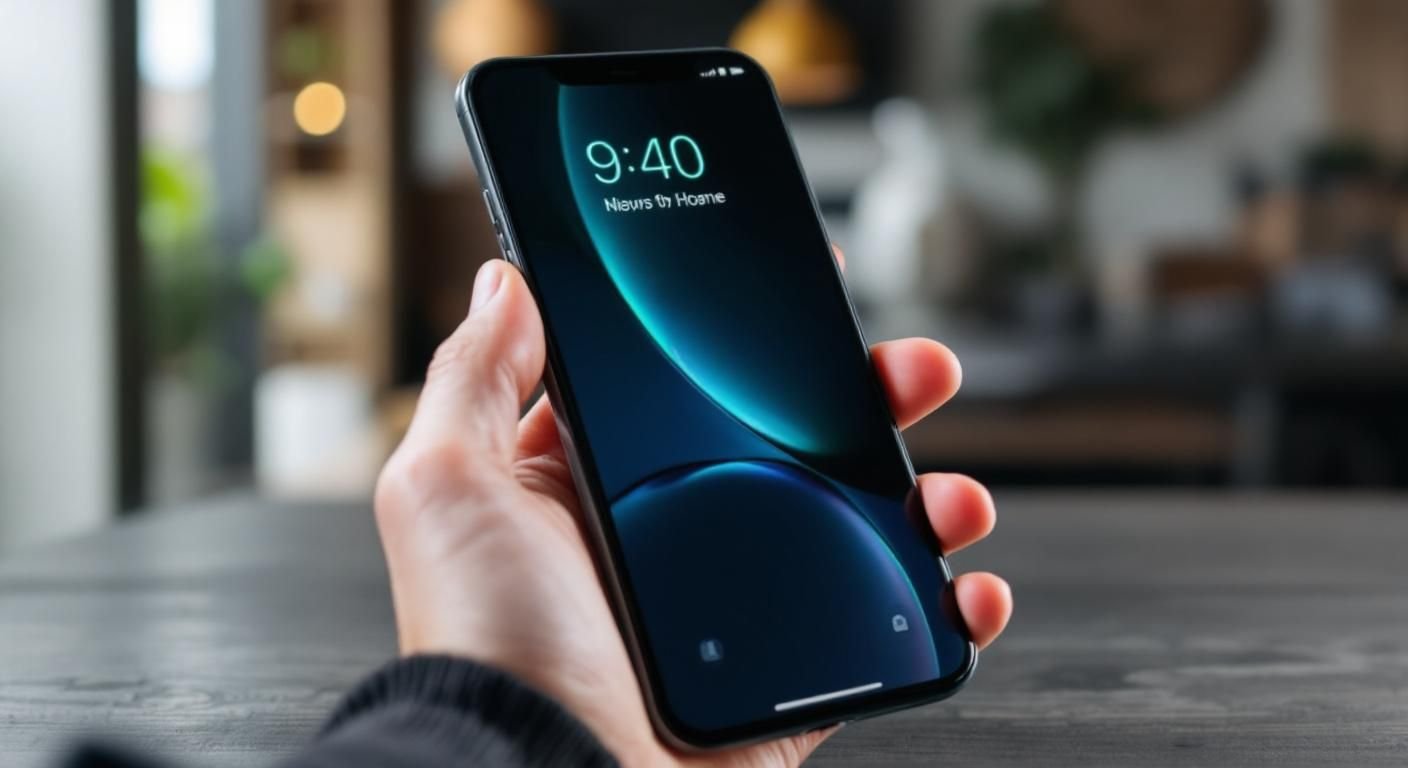
Vibration mode on smartphones is a common feature that many users rely on for notifications without sound. However, one question often arises: does vibration use more battery on a phone? The answer is nuanced. Vibration mechanisms typically consume more energy than standard alerts due to the physical movement required to create the vibration. This increased energy demand can lead to a noticeable drain on the battery, especially if used frequently.
The Mechanics of Vibration
Smartphones use a small motor called a vibration motor to create the vibration effect. This motor spins a weight off-center, producing the shaking motion. The energy consumption of this motor is significantly higher than that of playing a simple tone or beep. Understanding this mechanism helps users appreciate why this feature can impact battery life.
Comparative Battery Usage
When comparing battery usage, vibration consumes approximately 50% more energy than a standard ringtone. For example, if a ringtone uses 0.1% of battery over an hour, vibration may use around 0.15%. This difference can add up over time, especially for users who receive frequent notifications.
💡 Consider using sound alerts instead of vibration for less battery drain
💡 Limit the frequency of vibrations to save battery life
Optimizing Battery Life While Using Vibration
To reduce the impact of vibration on battery life, users can adopt several strategies. Properly managing settings and usage patterns can help maintain battery longevity while still benefiting from vibration alerts. Adjusting the frequency of notifications and the duration of vibration can significantly mitigate battery drain.
Adjusting Vibration Intensity and Duration
Many smartphones allow users to customize vibration intensity and duration. Reducing the intensity or setting shorter vibration times can help conserve battery life. For instance, opting for a brief vibration instead of a prolonged one can decrease energy consumption without compromising notification effectiveness.
Using Do Not Disturb Mode
Employing the Do Not Disturb mode can help limit unnecessary vibrations. By setting specific times for this mode, users can avoid vibrations during meetings or sleep, ultimately enhancing battery longevity. This not only saves battery but also promotes better focus during important times.
💡 Utilize Do Not Disturb during inactive hours
💡 Regularly review and adjust notification settings to minimize unnecessary vibrations
EXPERT TIPS Pro Advice
Monitor usage patterns for insights
Tracking how often you use vibration can highlight potential battery savings. Adjusting your habits based on this data can lead to longer battery life.
Limit vibrations to essential notifications
Only allowing vibrations for important alerts can drastically reduce battery consumption. This prioritization helps maintain battery health.
Regularly update your phone’s software
Software updates often include optimizations for battery usage, including vibration functions. Keeping your device updated can enhance efficiency.
Frequently Asked Questions
Conclusion
In summary, vibration does consume more battery on a phone compared to sound notifications due to the energy required to operate the vibration motor. Users can manage battery life by adjusting vibration settings and opting for sound alerts when appropriate.
🎯 Key Takeaways:
- Vibration uses more battery than sound notifications.
- Battery consumption can be 1-2% per hour with vibration.
- Limiting vibration notifications can conserve battery life.
- Disabling vibration for calls and alerts helps extend battery usage.
Expert Advice: Be mindful of your notification settings and choose the alert style that balances your needs with battery conservation. Regularly reviewing settings can lead to better battery performance.
Consider adjusting your phone’s notification preferences today to optimize battery life.








Leave a Reply