
Have you ever wondered how some laptops seem to charge faster and last longer? The answer may lie in the innovative technology known as smart charging. Smart charging on a laptop refers to a sophisticated approach to battery management that optimizes energy consumption and prolongs battery lifespan. As a seasoned expert in technology, I will guide you through the intricacies of smart charging, shedding light on its mechanisms and benefits. In this article, you’ll learn about the principles behind smart charging, its impact on your laptop’s performance, and practical tips for maximizing battery efficiency. Get ready to enhance your understanding of this essential feature that keeps your laptop running smoothly.
Understanding Smart Charging Technology
Smart charging technology on laptops refers to an intelligent battery management system that optimizes the charging process. This technology ensures that the laptop’s battery maintains health and efficiency by adjusting the charging rate based on usage patterns and battery condition. It is designed to enhance the lifespan of lithium-ion batteries, which are commonly used in laptops. By regulating the power supply during charging, smart charging reduces the risk of overheating and overcharging, which can lead to battery degradation over time.
How Smart Charging Works
Smart charging utilizes algorithms and sensors to monitor the battery’s state. When the laptop is plugged in, the system assesses the battery’s charge level and temperature. It then adjusts the charging speed accordingly—charging quickly when the battery is low and slowing down as it approaches full capacity. This adaptive approach not only conserves energy but also protects the battery from potential damage caused by excessive voltage.
Benefits of Smart Charging
The primary benefit of smart charging is the extended lifespan of the laptop’s battery. By preventing overcharging, smart charging reduces wear and tear on battery cells, allowing them to retain capacity longer. Additionally, this technology contributes to energy efficiency, as it minimizes power wastage during charging cycles. Users also experience a more reliable performance, as the laptop can maintain optimal battery health, ensuring it runs smoothly for longer periods.
Key Features of Smart Charging Systems
Smart charging systems come equipped with various features that enhance their functionality. These features are designed to provide users with a better charging experience while ensuring the longevity of the laptop’s battery. Common features include adaptive charging, thermal management, and user notifications. Understanding these features can help users make the most of their laptop’s charging capabilities and maintain optimal performance over time.
Adaptive Charging
Adaptive charging is a key feature where the system learns the user’s charging habits. For instance, if a user typically charges their laptop overnight, the smart charging system can delay the final stages of charging until just before the user is expected to disconnect it. This ensures that the battery is not kept at full charge for prolonged periods, which can degrade its health.
Thermal Management
Thermal management is crucial for preventing overheating during charging. Smart charging systems monitor the battery’s temperature and can adjust the charging rate if it detects excessive heat. This not only protects the battery but also enhances the overall safety of the laptop, reducing the risk of thermal damage to internal components.
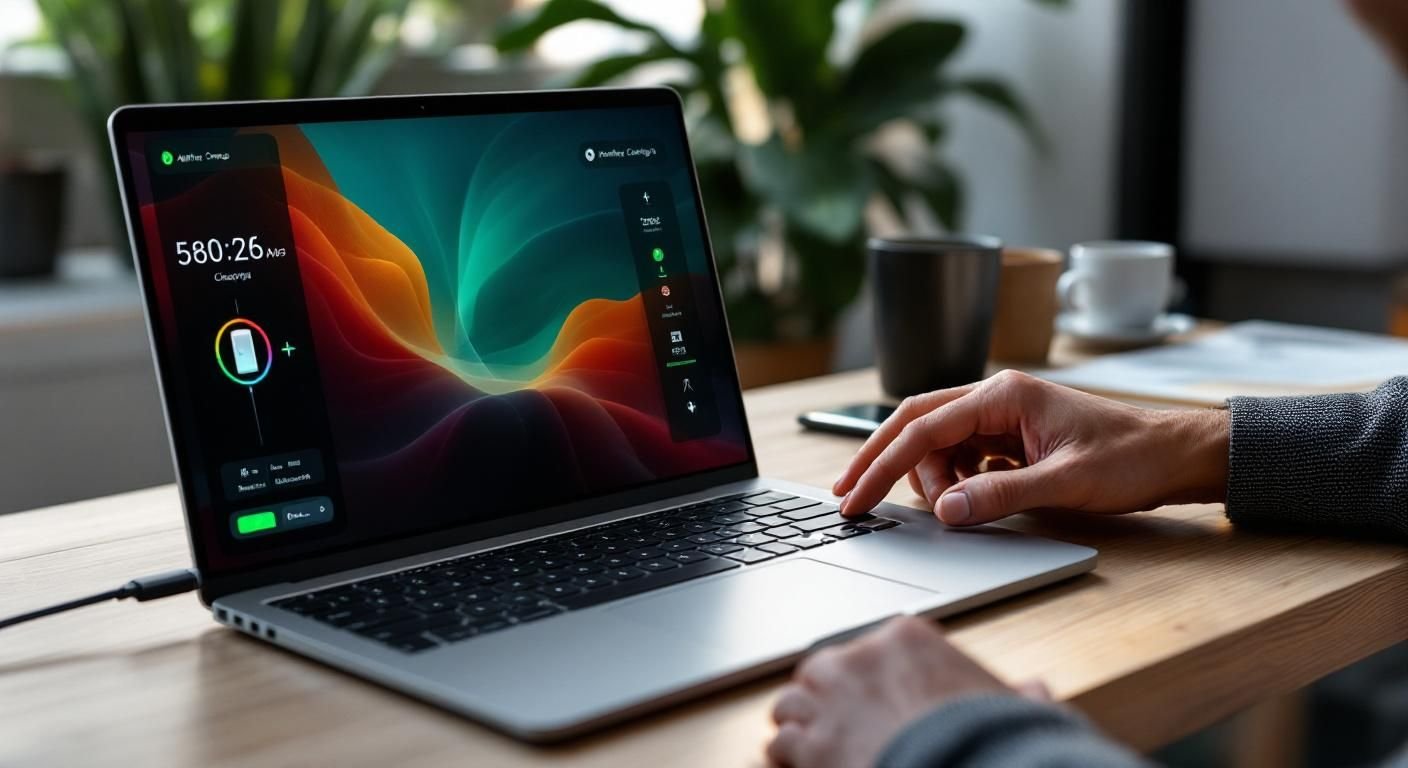
Understanding Smart Charging Technology
Smart charging technology on laptops optimizes battery usage by intelligently managing how and when the battery is charged. This system minimizes the wear on the battery and can prolong its lifespan. Smart charging mechanisms use algorithms to analyze usage patterns, adjusting the charging rate and timing to reduce stress on the battery. This means that laptops can provide efficient power management, improving overall performance and energy conservation.
How Smart Charging Works
Smart charging utilizes sensors and software to monitor the battery’s health and charging status. It adjusts the charging current based on real-time data, ensuring that the battery is charged optimally. For instance, if a laptop is plugged in but not in use, the system may delay charging to minimize heat generation and battery wear.
Benefits of Smart Charging
The primary benefits of smart charging include extended battery life, reduced overheating, and energy efficiency. By preventing overcharging and maintaining optimal charge levels, smart charging can ensure that users get the most out of their laptop’s battery over time, ultimately saving money and reducing waste.
Key Points:
- Smart charging extends battery lifespan by optimizing charge cycles.
- Efficient energy management reduces overheating and improves laptop performance.
💡 Monitor your charging habits to identify patterns that could benefit from smart charging features.
💡 Keep your laptop’s software updated to ensure optimal performance of smart charging technology.
Implementing Smart Charging Practices
To fully leverage smart charging on a laptop, users should adopt certain practices that enhance battery management. This includes understanding when to charge, how to maintain battery health, and utilizing built-in features that support smart charging. By following best practices, users can maximize the benefits of this technology and maintain their laptop’s performance over time.
Optimal Charging Times
Charging your laptop when it is not in use can maximize the effectiveness of smart charging. Avoid charging to 100% if you don’t need to, as keeping the battery between 20% and 80% can significantly enhance its lifespan and performance. Consider unplugging the laptop after it reaches an optimal charge level.
Battery Maintenance Techniques
Regularly calibrating your battery can help the smart charging system function more effectively. This involves discharging the battery completely and then charging it back to 100% periodically. Additionally, keeping the laptop in a cool environment can prevent overheating, which is crucial for maintaining battery health.
Key Points:
- Charging habits directly affect battery longevity and performance.
- Regular maintenance can enhance the effectiveness of smart charging technology.
💡 Use battery calibration techniques to help the smart charging system perform optimally.
💡 Store your laptop in a cool, dry place to avoid excessive heat buildup during charging.
EXPERT TIPS Pro Advice
Avoid leaving your laptop plugged in constantly.
This practice can lead to battery degradation over time. Instead, unplug it when fully charged to maintain optimal battery health.
Utilize power-saving modes when necessary.
These modes can help conserve battery power, allowing smart charging features to function more effectively.
Be aware of environmental factors.
Heat and humidity can negatively impact battery performance. Keep your laptop in a controlled environment to enhance battery life.
Frequently Asked Questions
Conclusion
Smart charging on a laptop is a vital technology that optimizes battery performance and longevity. By adjusting charging speeds and managing energy consumption, it helps prevent battery wear and overheating. Understanding and enabling these features can significantly enhance your laptop experience.
🎯 Key Takeaways:
- Smart charging optimizes battery health and performance.
- It uses algorithms to analyze user habits for efficient charging.
- Enabling smart charging can extend battery lifespan.
- Adjusting settings can further enhance charging efficiency.
Expert Advice: Stay informed about your laptop’s battery management features and enable any smart charging options available. This proactive approach will help maintain optimal performance and ensure you get the most out of your device.
Explore your laptop’s settings today to see how you can take advantage of smart charging features.








Leave a Reply