
Have you ever found yourself frustrated, wondering why is my power bank not charging my phone fast? You’re not alone—many users experience slow charging speeds, leading to inconvenience and anxiety about battery life. With over 15 years of experience in technology and charging solutions, I understand the nuances that affect charging performance. In this article, we will explore the common reasons behind slow charging rates, including compatibility issues, cable quality, and power bank specifications. By the end of this guide, you’ll not only gain insights into why your power bank may be underperforming but also learn practical tips to enhance your charging experience. Let’s dive into the factors affecting your power bank’s efficiency.
Understanding Power Bank Charging Speeds
Charging speed is influenced by various factors, including the power bank’s output capacity, the cable used, and the phone‘s charging technology. Generally, power banks are rated by their output in volts and amps; higher ratings can lead to faster charging. However, the actual charging speed will also depend on the phone’s compatibility with the power bank. Additionally, factors like battery health and ambient temperature can affect charging performance. Understanding these elements is crucial to identifying why a power bank may not be charging your phone quickly.
Output Capacity of the Power Bank
The output capacity of a power bank is typically measured in volts (V) and amps (A). A power bank with a higher output rating can supply more power, allowing for faster charging. For example, a 2A output will charge a device faster than a 1A output. It’s important to choose a power bank that matches or exceeds the charging requirements of your phone for optimal speed.
Charging Cable Quality
The quality of the charging cable also plays a significant role in charging speed. Poor-quality cables can limit power transfer, leading to slower charging times. Look for cables that are certified for high-speed charging and ensure they are not damaged or worn out. A good cable can make a noticeable difference in how quickly your phone charges.
Compatibility with Phone Technology
Different phones come with varying charging technologies, such as Quick Charge or Power Delivery. If your power bank does not support your phone’s specific charging technology, it may not charge as quickly as expected. Always check compatibility to ensure maximum efficiency when charging your device.
Key Points:
- Power bank output capacity significantly affects charging speed.
- Quality charging cables are essential for optimal power transfer.
- Compatibility between the power bank and phone technology is crucial.
External Factors Affecting Charging Speed
Several external factors can impact how fast your power bank charges your phone. Ambient temperature, battery health, and background applications can all play a role. For instance, extreme temperatures can hinder battery performance, while a degraded battery may not charge efficiently. Additionally, if multiple apps are running in the background, they can consume power and slow down the charging process. Being aware of these factors is essential for troubleshooting charging issues.
Ambient Temperature Effects
Charging efficiency can be impacted by temperature. Charging in extremely cold or hot environments can slow down the process or even halt it altogether. It is advisable to charge devices in a moderate temperature range, ideally between 20°C to 25°C (68°F to 77°F) for optimal performance.
Battery Health Considerations
As batteries age, their ability to hold a charge diminishes. If your phone’s battery health is poor, it may not accept a charge quickly, regardless of the power bank’s capabilities. Regularly check the battery health of your device and consider replacing it if performance declines significantly.
Impact of Background Applications
Running multiple applications while charging can drain the battery faster than the power bank can recharge it. To maximize charging speed, close any unnecessary apps before plugging in your phone. This ensures that more power from the power bank is dedicated to charging the phone rather than powering apps.
Key Points:
- Ambient temperature can significantly affect charging speed.
- Degraded battery health may lead to slower charging times.
- Closing background applications can help improve charging performance.
Understanding Power Bank Specifications
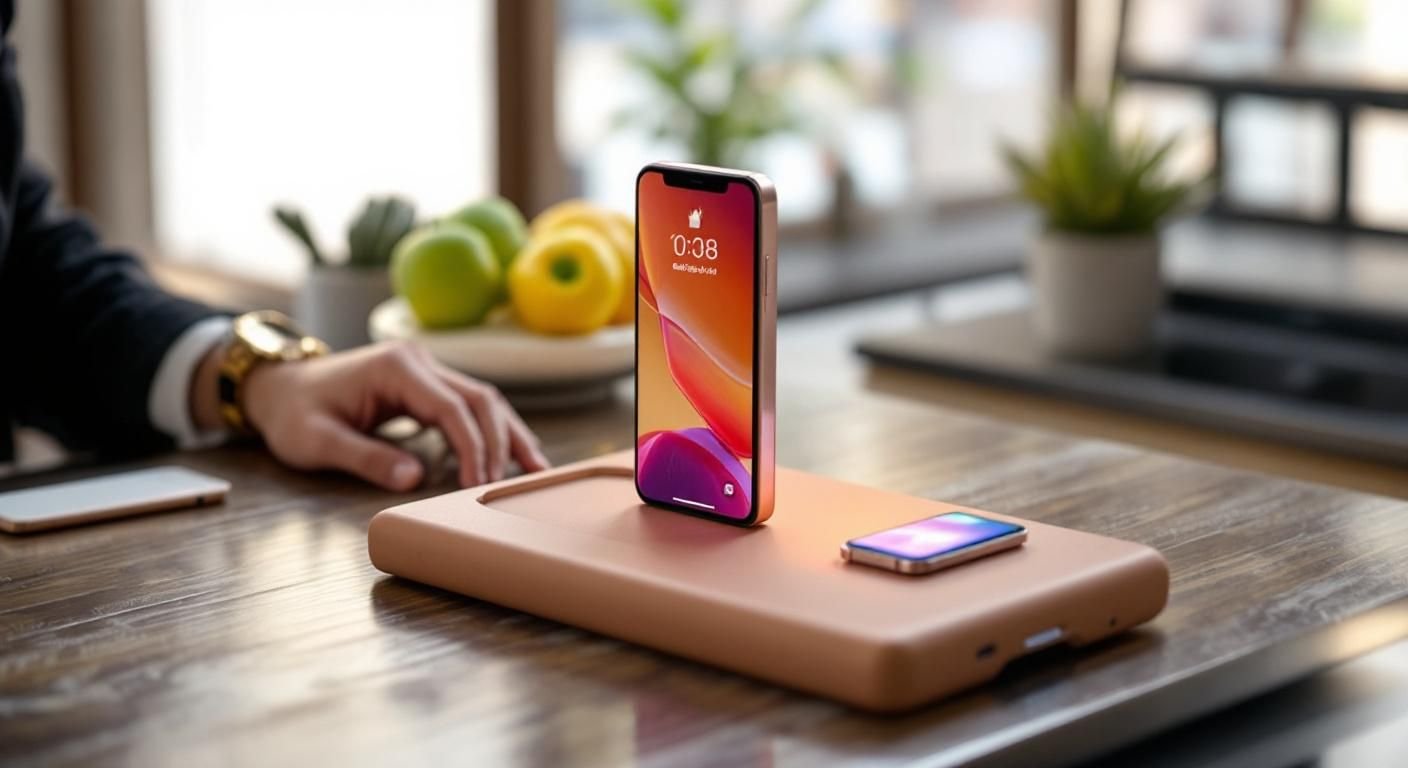
To grasp why your power bank may not be charging your phone quickly, it’s essential to understand its specifications. The output current of a power bank, measured in amperes (A), directly affects charging speed. A higher output current typically results in faster charging. Most modern smartphones require 2A or more for optimal speed, so using a power bank with lower output will significantly slow down the charging process. Additionally, the voltage output, usually 5V for standard USB ports, should match your device’s requirements. If the power bank’s output is insufficient, charging will be slow and inefficient.
Output Current and Charging Speed
The output current is pivotal for charging speed. A power bank rated at 1A may take much longer to charge your phone compared to one rated at 2A or higher. This is because the phone’s battery management system is designed to draw a certain amount of current. If the output is lower than needed, the charging process will take longer, especially for larger batteries.
Voltage Compatibility
Voltage compatibility is another crucial factor. Most power banks output at 5V, which is standard for USB charging. However, if your phone requires a different voltage, it may not charge efficiently. Always check if your power bank matches the voltage requirements of your device to ensure optimal performance.
Key Points:
- Higher output current leads to faster charging.
- Ensure voltage compatibility between your power bank and phone.
💡 Check the output current of your power bank to ensure it meets or exceeds your phone’s requirements.
💡 Use a power bank with a voltage output that matches your device’s specifications for efficient charging.
Cable Quality and Connection Issues
The quality of the charging cable and the integrity of the connections play a significant role in charging efficiency. A damaged or low-quality cable can lead to increased resistance, preventing the optimal flow of current from the power bank to the phone. Additionally, if the connections at either end are loose or dirty, it can further hinder the charging process. Regularly inspecting and replacing worn cables can help maintain charging speed and efficiency.
Cable Specifications
Using cables that are not designed for high speed can limit charging capabilities. Look for cables that are rated for fast charging and are compatible with your device. These cables usually have thicker wires that can handle higher currents effectively, ensuring quicker charging times.
Connection Maintenance
Dirt or debris in the charging ports can obstruct the connection, leading to slower charging. Regularly clean both the power bank and phone ports with a soft, dry brush or compressed air. Ensuring a snug fit in the connection can also minimize resistance and improve charging speed.
Key Points:
- Quality cables significantly impact charging speed.
- Maintaining clean and secure connections ensures better performance.
💡 Invest in high-quality, fast-charging cables that match your phone’s specifications.
💡 Regularly clean your charging ports to prevent debris from affecting the connection.
EXPERT TIPS Pro Advice
Opt for a power bank with intelligent charging technology.
This technology optimizes the charging process based on the device’s needs, ensuring faster and safer charging.
Avoid using your phone while charging.
Using your phone during charging demands more power, which can slow down the charging speed significantly.
Store your power bank in a cool, dry place.
Extreme temperatures can affect battery performance and charging speed, so store it under optimal conditions.
Check for firmware updates for your phone.
Sometimes, software issues can affect charging efficiency, and updates can resolve these problems.
Frequently Asked Questions
Conclusion
Understanding why your power bank is not charging your phone quickly involves considering various factors such as output power, cable quality, and phone compatibility. By optimizing these aspects, you can enhance your charging experience significantly.
🎯 Key Takeaways:
- Check your power bank’s output rating for compatibility.
- Use high-quality cables for efficient charging.
- Avoid using your phone while it’s charging.
- Consider the age and health of your power bank.
Expert Advice: Always ensure that both your power bank and cable are compatible with your phone’s charging requirements to maximize efficiency. Regularly assess their condition to maintain optimal performance.
Review your charging setup and make necessary adjustments to enhance your charging speed.








Leave a Reply