

Is your phone feeling too hot to handle? Overheating can not only disrupt your daily activities but may also damage your device in the long run. As smartphones become more powerful, they generate more heat, making it essential to know how to cool down your phone fast. In this article, we will explore expert-approved techniques to quickly reduce your phone’s temperature, ensuring it runs smoothly and efficiently. From simple adjustments to best practices for everyday use, you will learn practical solutions that can save your device from overheating issues. Let’s dive into the effective strategies for keeping your smartphone cool and functional.
Understanding Why Phones Overheat
Overheating in smartphones is a common issue that can lead to decreased performance and battery life. Typically, phones heat up due to prolonged usage, intensive apps, or environmental factors. Understanding these causes is crucial to finding effective cooling solutions. High-performance activities like gaming or video streaming demand a lot from the CPU, which can cause significant heat buildup. Additionally, external factors such as direct sunlight or high ambient temperatures can exacerbate the problem. Recognizing these triggers enables users to take proactive measures to prevent overheating.
Common Causes of Overheating
The primary causes of phone overheating include heavy app usage, background processes, and poor ventilation. Apps that require extensive processing power, such as GPS navigation or graphic-intensive games, can generate excess heat. Background processes, like automatic updates or syncing, can also contribute. Moreover, placing your phone on surfaces that trap heat can prevent proper cooling.
Signs Your Phone is Overheating
Key indicators of an overheating phone include excessive heat on the back, battery drainage, and unexpected shutdowns. If your phone feels unusually hot to the touch or the battery percentage drops significantly, these may be signals of overheating. Additionally, if your phone shuts down without warning or displays temperature warnings, immediate action is necessary.
Key Points:
- Recognize causes of overheating to prevent it
- Monitor signs of overheating for timely intervention
Quick Ways to Cool Down Your Phone
If your phone is overheating, there are several quick methods to cool it down effectively. First, remove any cases or covers that may trap heat. This simple step allows better air circulation around the device. Secondly, turn off intensive applications or features like GPS and Bluetooth to reduce the workload on the processor. Lastly, placing your phone in a cooler environment, like an air-conditioned room, can significantly help lower its temperature. These actions can quickly alleviate overheating and restore your phone’s functionality.
Remove Heat-Trapping Cases
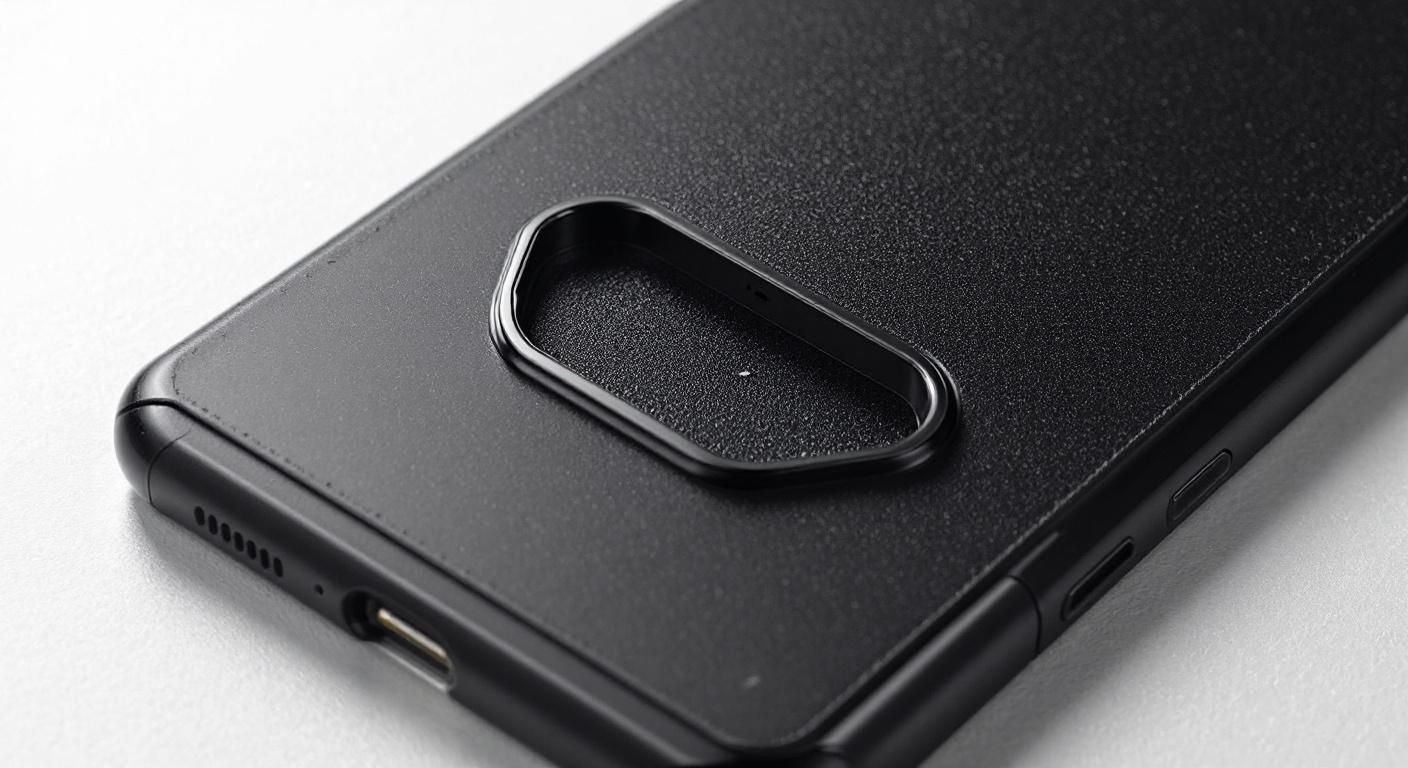
Phone cases can insulate heat, making it harder for your device to cool down. Removing the case allows heat to dissipate more effectively. This is especially important during heavy usage when the device is likely to heat up. Consider removing the case temporarily until the phone cools down.
Close Unused Apps and Features
Closing background apps and disabling features like Bluetooth and Wi-Fi can reduce the demand on your phone’s processor. By minimizing the workload, you allow your device to cool down faster. Access your app switcher to close apps that you’re not actively using.
Move to a Cooler Environment
Environmental factors play a significant role in phone temperature. If possible, take your phone to a cooler location. Avoid direct sunlight and heat sources. A cooler ambient temperature provides a more favorable environment for your device to cool off, enhancing its performance.
Key Points:
- Remove cases to improve heat dissipation
- Close unused apps to reduce processor load
- Seek cooler environments for better cooling
Understanding Phone Overheating
Overheating can significantly affect your phone’s performance and longevity. Understanding the causes is crucial for effective cooling. Common reasons include intensive apps, environmental factors, and hardware issues. Identifying the cause is the first step in cooling down your device effectively. Running demanding applications like games or GPS for extended periods can lead to increased temperatures. Additionally, using your phone in hot environments can exacerbate this issue, leading to potential damage. Recognizing these factors helps you take proactive steps for cooling down your phone quickly.
Common Causes of Overheating
The most prevalent causes of overheating include heavy usage, background applications, and environmental conditions. Streaming videos or playing games raises CPU usage, generating more heat. Background processes can also consume resources unnoticed. Lastly, external temperatures can impact your phone’s ability to dissipate heat efficiently.
Signs of Overheating
Recognizing the signs of overheating can help you act quickly. Common indicators include a hot casing, performance lag, unexpected shutdowns, or notifications warning of high temperature. Being aware of these signs allows you to take immediate action to cool your device before it sustains damage.
💡 Keep your phone out of direct sunlight to prevent overheating.
💡 Regularly close unused applications to reduce background processes.
💡 Monitor your phone’s temperature using built-in features or apps.
Effective Cooling Techniques
Once you identify the causes of overheating, applying effective cooling techniques can help restore your phone to optimal operating conditions. Common methods include reducing screen brightness, closing apps, or activating airplane mode. Additionally, placing your phone in a cooler environment can enhance the cooling process. These techniques are quick and can often yield immediate results, ensuring your device functions properly without prolonged exposure to heat.
Immediate Cooling Actions
To cool your phone rapidly, consider reducing screen brightness or turning on airplane mode. Lowering brightness decreases energy consumption, while airplane mode turns off unnecessary connections that generate heat. Both actions can significantly reduce temperature in a short period.
Long-Term Cooling Solutions
For long-term solutions, consider regular maintenance, such as clearing cache and uninstalling unused apps. Keeping your software updated ensures efficient performance, reducing the risk of overheating. A clean device runs better and stays cooler.
💡 Use a fan or cooling pad to circulate air around your phone.
💡 Limit gaming or heavy app usage, especially in hot weather.
💡 Invest time in periodically checking and removing redundant apps that may contribute to heat generation.
EXPERT TIPS Pro Advice
Avoid charging while using intensive apps.
Charging generates heat; combining it with heavy app use can lead to significant overheating, risking performance and battery health.
Regularly clean your phone.
Dust and debris can block ventilation ports, trapping heat. Keeping your phone clean enhances airflow and cooling efficiency.
Utilize power-saving modes.
Activating power-saving modes reduces CPU load, thus minimizing heat generation during normal usage.
Frequently Asked Questions
Conclusion
To keep your phone from overheating, it’s vital to understand the causes and take proactive measures. Simple steps like removing the case, avoiding direct sunlight, and managing app usage can effectively cool down your device. Regular maintenance and monitoring are key to preventing future overheating.
🎯 Key Takeaways:
- Remove phone cases and place devices in cool areas.
- Avoid using your phone while charging to prevent heat.
- Keep software updated to reduce overheating risks.
- Monitor for signs of malfunction if overheating is frequent.
Expert Advice: Stay vigilant about your phone’s temperature and take immediate action if it overheats. Regular checks and preventive strategies will help maintain your device’s performance and longevity.
Evaluate your phone’s usage habits today and implement these cooling strategies to ensure optimal performance.