
Have you ever wondered how your laptop manages its battery life during extended use? One crucial technique behind this is trickle charging. This method involves supplying a low, steady charge to a battery once it reaches full capacity, ensuring it stays topped off without overloading. With over 15 years of experience in battery technology and maintenance, I can tell you that understanding trickle charging is vital for anyone looking to maximize their laptop’s performance and longevity. In this article, you’ll learn what trickle charging is, how it benefits your device, and best practices for battery care. Whether you’re a tech enthusiast or just looking to extend your laptop’s lifespan, this guide is for you.
Understanding Trickle Charging
Trickle charging is a method of charging a battery at a low rate, allowing it to maintain its charge without overcharging. This technique is particularly relevant for laptop batteries, which require careful management to prolong their lifespan. Unlike fast charging, which delivers a high current for a quick fill-up, trickle charging is designed to keep the battery at a stable, optimal voltage. This process is crucial for laptops, as it helps to prevent overheating and degradation of battery cells, ensuring that the device remains functional for longer periods.
How Trickle Charging Works
Trickle charging operates by supplying a constant, low-level charge once the battery reaches its maximum capacity. This is done by a charging circuit that regulates the power flow. The goal is to compensate for the self-discharge of the battery, which occurs naturally over time. By maintaining a full charge, trickle charging helps preserve the battery’s health and performance.
Benefits of Trickle Charging
One of the primary benefits of trickle charging is its ability to extend the life of a laptop battery. By preventing overcharging, it reduces the risk of battery swelling and heat damage. Additionally, trickle charging ensures that the battery remains ready for use without the need for frequent deep discharges, which can be harmful to lithium-ion batteries commonly used in laptops.
Key Points:
- Trickle charging maintains battery longevity
- Prevents overheating and overcharging
Trickle Charging vs. Other Charging Methods
When considering how to charge laptops effectively, it’s essential to understand the differences between trickle charging and other methods such as fast charging and standard charging. Fast charging rapidly boosts battery levels, but it can generate heat and increase stress on the cells, potentially shortening battery life. In contrast, standard charging is more gradual but doesn’t maintain the charge as effectively as trickle charging. Knowing these differences helps users make informed decisions about their charging habits to optimize battery performance.
Fast Charging Explained
Fast charging technology allows for significantly quicker power delivery to the battery, often restoring up to 50% of charge in just 30 minutes. While convenient, fast charging can lead to increased heat production and stress on the battery, resulting in a shorter lifespan if used excessively.
The Role of Standard Charging
Standard charging refers to a moderate charging speed that offers a balance between quick charge times and battery health. It generally provides a steady flow of power, but it may not be sufficient for maintaining optimal battery levels over extended periods, especially if the device is frequently used while charging.
Key Points:
- Fast charging is convenient but can harm battery
- Standard charging strikes a balance but lacks maintenance
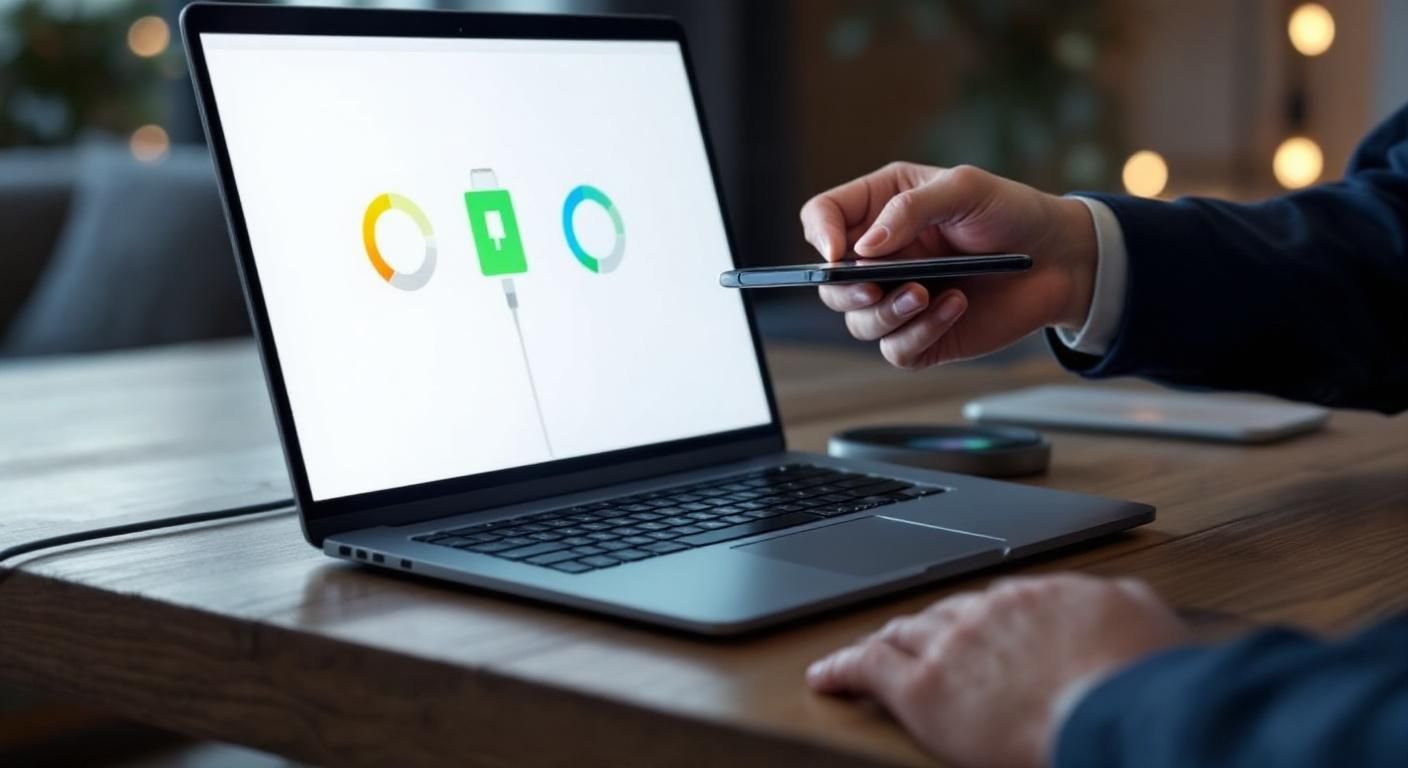
Understanding Trickle Charging
Trickle charging is a method used to maintain a battery’s charge level by supplying a low, steady current. This technique is particularly relevant for laptop batteries, where overcharging can lead to diminished battery performance and lifespan. Unlike standard charging methods that deliver high current until a battery reaches full capacity, trickle charging continues to provide a small amount of energy after the battery is fully charged, ensuring that it remains topped off without the risk of overheating or damage.
How Trickle Charging Works
Trickle charging operates by providing a constant, low-level charge to the battery after it has reached full capacity. This is typically managed by the laptop’s charging circuit, which detects the battery’s voltage levels. When the battery is fully charged, the system reduces the current flow to a minimal level, thus preventing overcharging while keeping the battery at an optimal charge level.
Benefits of Trickle Charging
The primary advantage of trickle charging is its ability to prolong battery life. By preventing overcharging, it minimizes wear and tear on the battery’s cells, leading to a longer operational life. Additionally, it helps maintain the battery’s health by reducing the risk of overheating, which can cause irreversible damage. This method is especially useful for users who leave their laptops plugged in for extended periods.
Key Points:
- Trickle charging maintains battery health by preventing overcharging
- It ensures a steady supply of low current to keep the battery topped off
💡 Understand your laptop’s charging cycle to optimize battery health
💡 Avoid consistently using high-performance settings while charging to reduce heat
💡 Regularly calibrate your battery to ensure accurate charge level readings
Best Practices for Trickle Charging in Laptops
To effectively utilize trickle charging, it’s essential to adopt best practices that enhance battery longevity and performance. These practices include monitoring your laptop’s charging habits and understanding when to unplug and recharge. Maintaining an optimal environment for your laptop can also significantly impact how well the trickle charging system works. By applying these practices, users can ensure their laptops remain efficient and their batteries last longer.
Optimal Charging Environment
Keeping your laptop in a cool, dry place can positively influence its battery health. Excessive heat can detrimentally affect battery performance, making trickle charging less effective. Ensure that the laptop vents are unobstructed and consider using a cooling pad if you notice it getting too warm during charging.
Regular Maintenance Checks
Performing regular maintenance checks on your laptop’s battery health is crucial. This includes monitoring the charge cycles and ensuring that the battery is functioning correctly. Many laptops come with built-in diagnostic tools that can help assess battery health. By being proactive, you can identify potential issues early and adjust your charging habits accordingly.
Key Points:
- A cool environment enhances trickle charging efficiency
- Regular checks can prolong battery life and performance
💡 Monitor battery temperature during use and charging
💡 Use battery maintenance software for accurate assessments
💡 Limit the time your laptop stays plugged in after reaching a full charge
EXPERT TIPS Pro Advice
Calibrate your battery periodically
Calibrating your battery helps ensure that the charge level displayed is accurate, enabling you to manage charging cycles effectively.
Avoid deep discharges
Regularly discharging your battery to very low levels can reduce its lifespan; aim to keep your battery between 20% and 80% charged.
Use energy-saving settings when plugged in
Activating energy-saving modes can help reduce heat generation, enhancing battery efficiency during trickle charging.
Familiarize yourself with battery settings
Understanding your laptop’s battery settings allows you to optimize charging protocols and maintain better battery health.
Inspect charging cables regularly
A damaged charging cable can lead to inconsistent charging; check for frays or damage to ensure proper trickle charging functionality.
Frequently Asked Questions
Conclusion
Trickle charging plays a vital role in maintaining laptop battery health by supplying a minimal current after full charge. Understanding how it works and its importance can help extend battery life. Regularly using the battery and monitoring its health are essential for optimal performance.
🎯 Key Takeaways:
- Trickle charging maintains battery health by preventing overcharging.
- It uses a controlled current to keep the battery optimally charged.
- Overreliance on trickle charging can lead to battery issues.
- Regular battery use and maintenance are crucial for longevity.
Expert Advice: To enhance your laptop battery’s lifespan, combine trickle charging with routine usage and proper care. Always stay alert to any signs of battery failure and take proactive measures to address them.
Explore further resources on battery maintenance to keep your laptop running efficiently.








Leave a Reply