Have you ever wondered why is wireless charging slow on my phone? You’re not alone. Many users experience frustratingly slow charging speeds with wireless technology, often questioning its reliability compared to traditional wired charging. As an expert in mobile technology, I understand the complexities behind wireless charging and the various factors that contribute to its performance. In this article, we will explore the reasons for slow wireless charging, from the limitations of charging pads to the impact of phone design and battery health. By the end, you will have a clearer understanding of how to optimize your wireless charging experience and potentially improve charging speeds.
Understanding Wireless Charging Technology
Wireless charging uses electromagnetic fields to transfer energy between two objects, typically a charging pad and a smartphone. This method, while convenient, can result in slower charging speeds compared to traditional wired charging. The efficiency of wireless charging depends on various factors, such as alignment between the phone and charging pad, the charging standard used, and the efficiency of the components involved. Understanding these fundamentals helps users identify potential issues affecting charging speed.
How Wireless Charging Works
Wireless charging operates on the principle of inductive charging, where an electromagnetic field transfers energy. The charging pad generates a magnetic field, which induces a current in the phone’s receiver coil. This process is efficient when perfectly aligned, but misalignment can lead to energy loss and slower charging speeds.
Charging Standards
There are different wireless charging standards, such as Qi and PMA. Qi is the most widely adopted standard for smartphones. The charging speed can vary significantly based on the standard used, with newer versions offering faster charging capabilities. Understanding the standards can help users optimize their charging setup.
Key Points:
- Wireless charging relies on electromagnetic fields for energy transfer.
- Charging speed can vary based on the standard and alignment of devices.
Factors Affecting Wireless Charging Speed
Several factors can contribute to the slow charging speeds experienced with wireless charging. These include the design of both the phone and charging pad, the power output of the charging pad, and environmental influences. By being aware of these factors, users can take steps to enhance their wireless charging experience.
Alignment Issues
Proper alignment between the phone and the charging pad is crucial for efficient energy transfer. Even slight misalignments can cause significant energy losses, resulting in slower charging speeds. Ensure that your phone is centered on the pad for optimal performance.
Environmental Factors
The environment in which you charge your phone can also impact speed. For instance, cases made of thick materials can interfere with charging efficiency. Additionally, heat generated during charging can cause the phone to slow down charging speed to prevent overheating.
Key Points:
- Misalignment can significantly slow down charging speeds.
- Environmental factors, like phone cases and heat, can impact wireless charging efficiency.
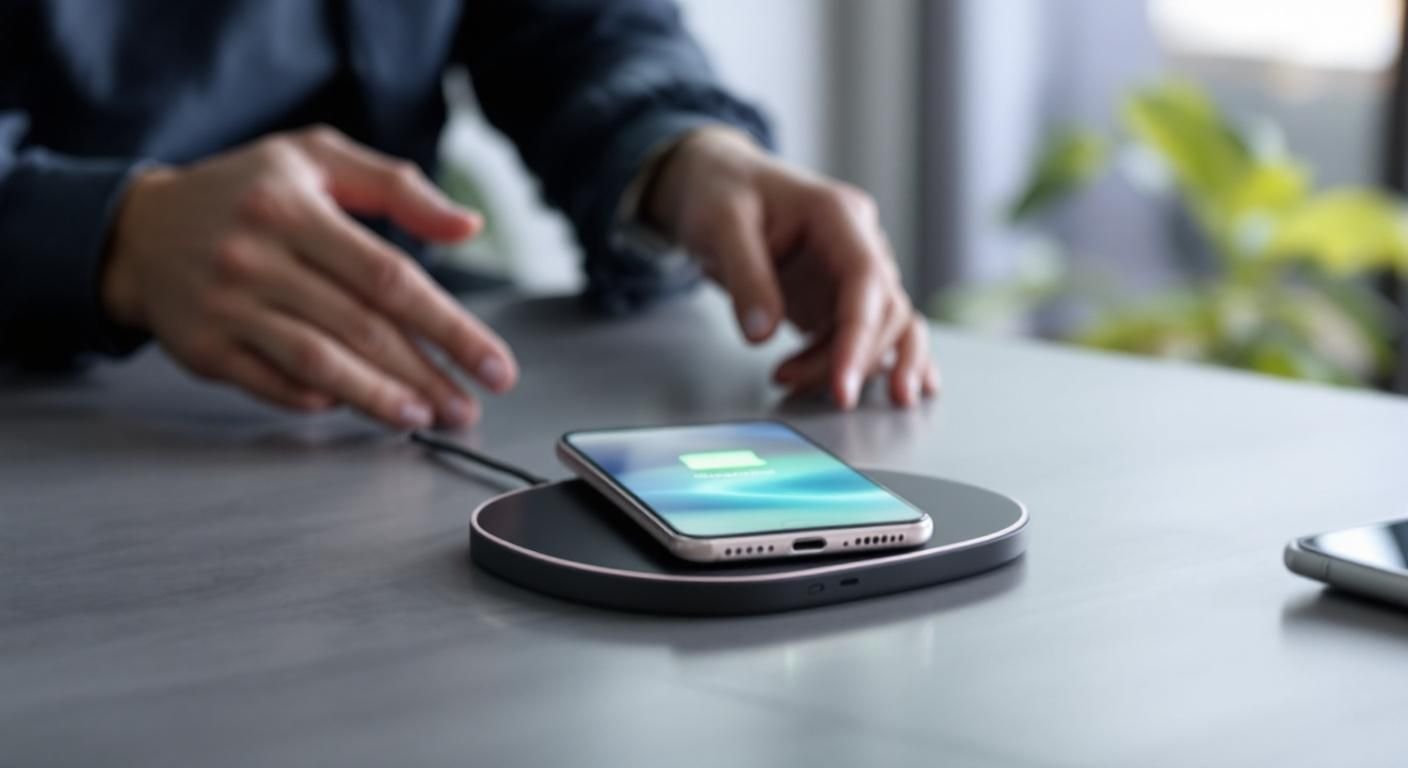
Understanding the Basics of Wireless Charging Speed
Wireless charging utilizes electromagnetic fields to transfer energy between the charger and the device. However, various factors can contribute to slower charging speeds. The technology primarily relies on Qi standards, which dictate the power output. A key element affecting speed is the wattage of the charger. For instance, a charger rated for 5W will take significantly longer to charge a phone compared to one rated at 10W or 15W. Additionally, the phone’s compatibility with higher power outputs plays a crucial role in charging efficiency.
Charger Wattage and Compatibility
The wattage of your wireless charger greatly impacts charging speed. Most smartphones support charging at specific wattage levels, and using a lower wattage charger can lead to slower charging times. Ensure that both your charger and phone are compatible with higher wattage specifications to improve charging efficiency.
Positioning and Alignment
Proper alignment between the phone and charger is essential for maximizing charging speed. If the phone is misaligned, the energy transfer decreases, leading to slower charging. Always ensure that your device is centered on the charging pad for optimal performance.
Key Points:
- Wattage and compatibility are crucial for charging speed.
- Proper alignment can significantly enhance wireless charging efficiency.
💡 Ensure your wireless charger has a higher wattage rating to improve charging speed.
💡 Regularly clean the charging pad and the back of your phone to facilitate better energy transfer.
Environmental and Usage Factors Affecting Charging Speed
Environmental factors also play a significant role in wireless charging performance. Heat generated during the charging process can slow down charging speeds, as most devices reduce power output to prevent overheating. Additionally, using your phone while it charges can further hinder charging efficiency, as the device consumes power while trying to charge simultaneously. Keeping the phone in a cool, well-ventilated area can help maintain optimal charging conditions.
Heat Management
Wireless charging generates heat, which can lead to reduced charging speeds. If your phone gets too hot, it will automatically slow down the charging process. To mitigate this, avoid charging your phone in enclosed spaces or direct sunlight and consider removing any cases that may trap heat.
Background Processes and Usage
Using apps or performing tasks on your phone while it charges can draw power away from the charging process. This results in a slower overall charging rate. For optimal charging, try to limit usage or enable airplane mode while your device is on the charging pad.
Key Points:
- Heat management is vital for maintaining charging speed.
- Limiting phone usage while charging can significantly improve charging performance.
💡 Keep your phone in a cool environment to avoid overheating during charging.
💡 Limit background processes or enable airplane mode to enhance charging efficiency.
EXPERT TIPS Pro Advice
Regularly update your phone’s software.
Software updates can optimize charging algorithms and improve battery management, which may enhance wireless charging speeds.
Use a charger with built-in cooling features.
Chargers designed with cooling mechanisms can help manage heat, allowing for faster charging without throttling power output.
Check for obstructions on the charging pad.
Ensure that there are no foreign objects or debris on the charging pad, as these can interfere with efficient energy transfer.
Frequently Asked Questions
Conclusion
Wireless charging can be slow due to various factors such as low wattage, phone case interference, and misalignment. To enhance charging speed, utilize compatible chargers, ensure proper alignment, and manage heat effectively. Understanding these aspects can lead to more efficient charging experiences.
🎯 Key Takeaways:
- Check charger wattage for optimal speed.
- Remove obstructions like thick phone cases.
- Ensure proper alignment on the charging pad.
- Monitor phone temperature during charging.
- Avoid heavy usage while charging.
Expert Advice: Always prioritize proper charging practices and understand your device’s limitations to ensure effective wireless charging. By following these tips, you can minimize slow charging issues and maximize convenience.
Investigate the factors affecting your wireless charging experience and take steps to enhance it for better performance.








Leave a Reply