
Have you ever plugged in your phone only to find that the battery percentage remains unchanged? This frustrating issue, where your phone is charging but battery not increasing, can leave you puzzled and anxious. As a seasoned expert in mobile technology, I understand how critical a functioning battery is to your daily life. In this article, we will explore the various reasons behind this common problem, from software glitches to hardware malfunctions. You’ll learn how to diagnose the issue and implement effective solutions to restore your phone’s battery health. Whether you’re a casual user or a tech-savvy individual, this guide will provide valuable insights to help you troubleshoot and resolve your charging concerns.
Understanding Battery Charging Basics
When you plug in your phone, the charger provides power to the battery. However, several factors can influence why the battery percentage does not increase despite being connected to a charger. Understanding the charging process helps identify potential issues. Batteries typically have a charge cycle that involves charging and discharging. Problems can arise due to the battery’s health, charging port issues, or software glitches that prevent proper charging.
The Role of Battery Health
Battery health significantly impacts charging efficiency. As lithium-ion batteries age, their capacity diminishes, which means they may not hold a charge as effectively. If your battery health is below a certain percentage, it can lead to situations where the phone charges slowly or not at all, despite showing that it is connected to a power source.
Charger and Cable Quality
The quality of the charger and cable can also affect charging performance. A damaged or low-quality cable may not deliver sufficient power to the device. Ensure that both the charger and cable are compatible with your phone’s charging requirements to facilitate optimal charging.
Software and Settings Interference
Sometimes, software issues can prevent a phone from charging properly. Background applications can consume power faster than the charger can provide it. Additionally, specific settings, such as battery saver modes, can impact the charging process. Ensuring that your device’s software is updated can help mitigate these issues.
Key Points:
- Battery health affects charging efficiency
- Quality of charger and cable matters
- Software can interfere with charging process
Common Issues Leading to Charging Problems
Several common issues can lead to a situation where your phone charges but the battery percentage does not increase. Identifying these issues can help you troubleshoot effectively. It could be due to physical damage to the charging port, software bugs, or compatibility issues with the charger. Understanding these factors is crucial for resolving the problem.
Physical Damage to the Charging Port
A damaged charging port can hinder the connection between the charger and the phone, leading to poor or no charging. Inspect the port for debris, lint, or signs of wear. Cleaning the port gently with compressed air or a soft brush can help resolve this issue.
Power Source Reliability
The reliability of the power source you are using can also affect charging. If the outlet is faulty or the power strip is overloaded, it may not supply enough power. Try connecting to a different outlet to see if that resolves the issue.
Software Bugs and Updates
Software bugs can cause a range of problems, including charging issues. Regular updates can address these bugs. If your phone is not set to update automatically, check for available updates in the settings menu to ensure optimal performance.
Key Points:
- Inspect charging port for damage
- Test different power sources
- Keep software updated for best performance
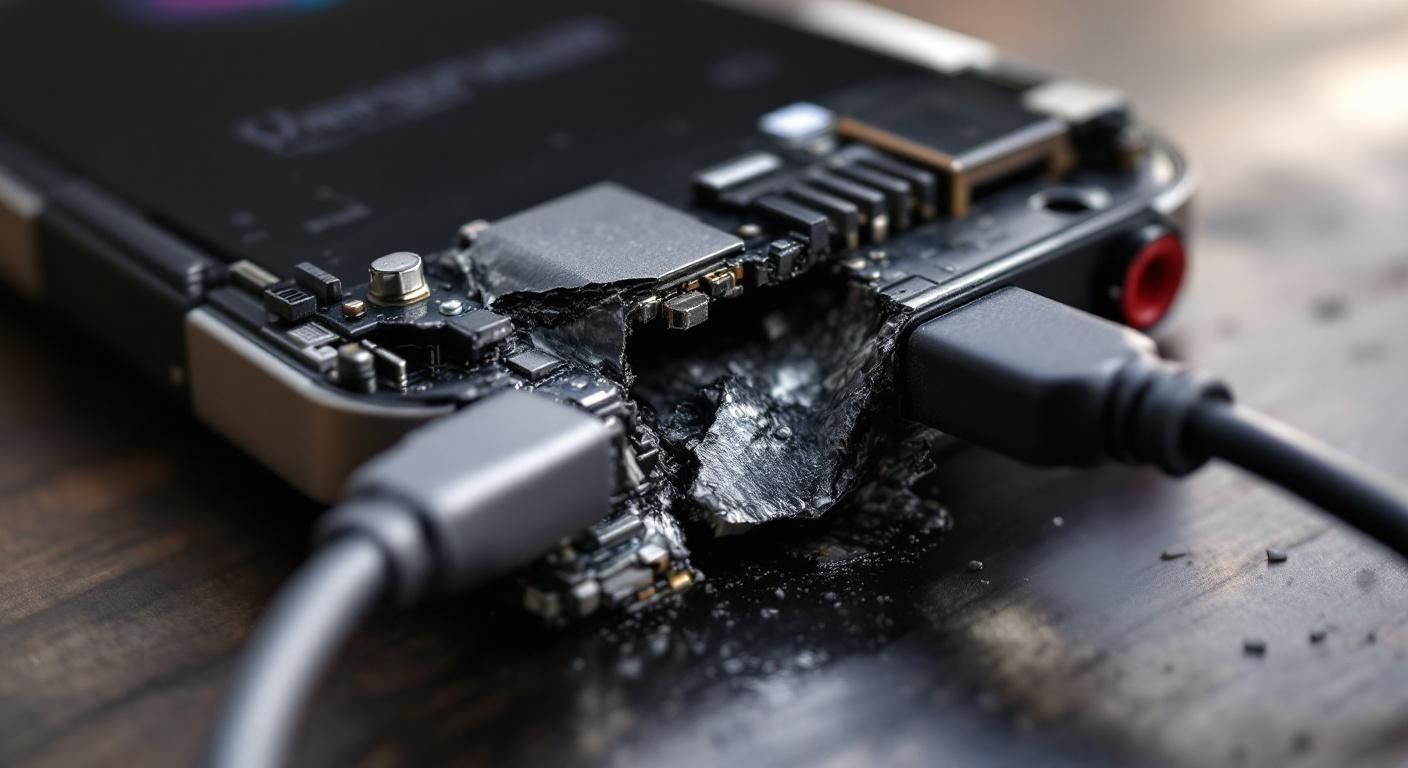
Understanding Charging Mechanisms
When a phone appears to be charging but the battery percentage remains stagnant, it’s crucial to understand the underlying charging mechanisms. Charging typically involves the transfer of current from a power source to the battery, which should lead to an increase in battery percentage. However, if the phone’s operating system is malfunctioning or if there’s an issue with the battery itself, the charging process can be disrupted. Additionally, background processes may consume power at a rate that matches or exceeds the charging current, leading to the illusion of charging without any increase in battery life.
Battery Health and Age
The health and age of your battery play significant roles in charging efficiency. Lithium-ion batteries, commonly used in smartphones, degrade over time. If your battery is old or has gone through many charge cycles, it may not hold a charge effectively. This degradation can lead to scenarios where the battery appears to charge but does not increase in capacity, as it is unable to accept a full charge due to internal resistance and chemical changes.
Software Issues
Software glitches can also hinder the charging process. If the operating system is not properly recognizing the charging input, it may fail to update the battery status accurately. This can happen after an update or due to a corrupted file. Restarting your device or performing a factory reset can sometimes resolve these software-related issues, allowing the battery status to reflect the actual charge correctly.
Key Points:
- Battery health significantly impacts charging efficiency.
- Software issues can lead to inaccurate battery readings.
💡 Regularly monitor battery health using built-in settings to anticipate issues.
💡 Keep your device software updated to minimize bugs that affect battery reporting.
Troubleshooting Charging Problems
If your phone charges but the battery does not increase, troubleshooting is essential. Start by checking the charging cable and port for any debris or damage, as these can impede current flow. Next, inspect any background applications that may be consuming battery life faster than it can charge. Performing a hard reset can clear temporary glitches affecting battery performance. If all else fails, it may be necessary to consider a battery replacement, especially if the battery health is critically low.
Inspecting Hardware Connections
Begin by thoroughly inspecting the charging cable and port. Look for frays, kinks, or debris that could obstruct the connection. Sometimes, a simple cleaning of the port can improve connectivity. If you have access to a different charging cable or adapter, testing with those can help determine if the issue is hardware-related.
Managing Background Applications
Background applications can drain battery life rapidly. To troubleshoot, check which apps are using battery extensively in the settings. Close or uninstall any unnecessary applications, especially those that run in the background. This may allow your phone to charge more effectively, as less power will be consumed during the charging process.
Key Points:
- Inspecting hardware can resolve many charging issues.
- Managing apps can improve your phone’s charging efficiency.
💡 Regularly clean charging ports to ensure optimal connectivity.
💡 Limit the use of power-hungry apps while charging to enhance battery gain.
EXPERT TIPS Pro Advice
Check Battery Cycles
Understanding how many charge cycles your battery has gone through can help you gauge its health. Most lithium-ion batteries last for about 300-500 cycles.
Use Safe Charging Practices
Avoid extreme temperatures while charging, as heat can degrade battery performance. Keep the phone in a cool, dry place to optimize charging.
Perform Regular Software Updates
Staying updated with the latest software can help resolve bugs that may affect battery performance and charging efficiency.
Enable Battery Saver Mode
Using battery saver mode while charging can prioritize essential functions, allowing the battery to charge more effectively.
Monitor for Overheating
If your phone overheats during charging, it can indicate a problem with the battery or charger, which may prevent effective charging.
Frequently Asked Questions
Conclusion
If your phone is charging but the battery percentage isn’t increasing, various factors may be at play, such as faulty chargers, software issues, or a defective battery. Troubleshooting these aspects can help identify the root cause and aid in resolving your charging problems.
🎯 Key Takeaways:
- Check charger and cable for faults.
- Software updates can fix minor issues.
- Excess heat while charging indicates problems.
- Battery replacement may be necessary if issues persist.
- Maximize battery life with proper settings.
Expert Advice: Regular maintenance, such as cleaning the charging port and monitoring software updates, can prevent many charging issues. Stay proactive about your phone’s health to ensure optimal performance.
If you continue to experience issues, consider consulting a professional technician for a thorough diagnosis.








Leave a Reply